

Transaction Code 1401 is used by Caretakers who work less than an 8 hour regularly scheduled day and put in a vacation request for that day but also want to use additional vacation hours (up to 8 total a day).
Step 1: Follow the instructions listed on How to Submit a Leave Request.
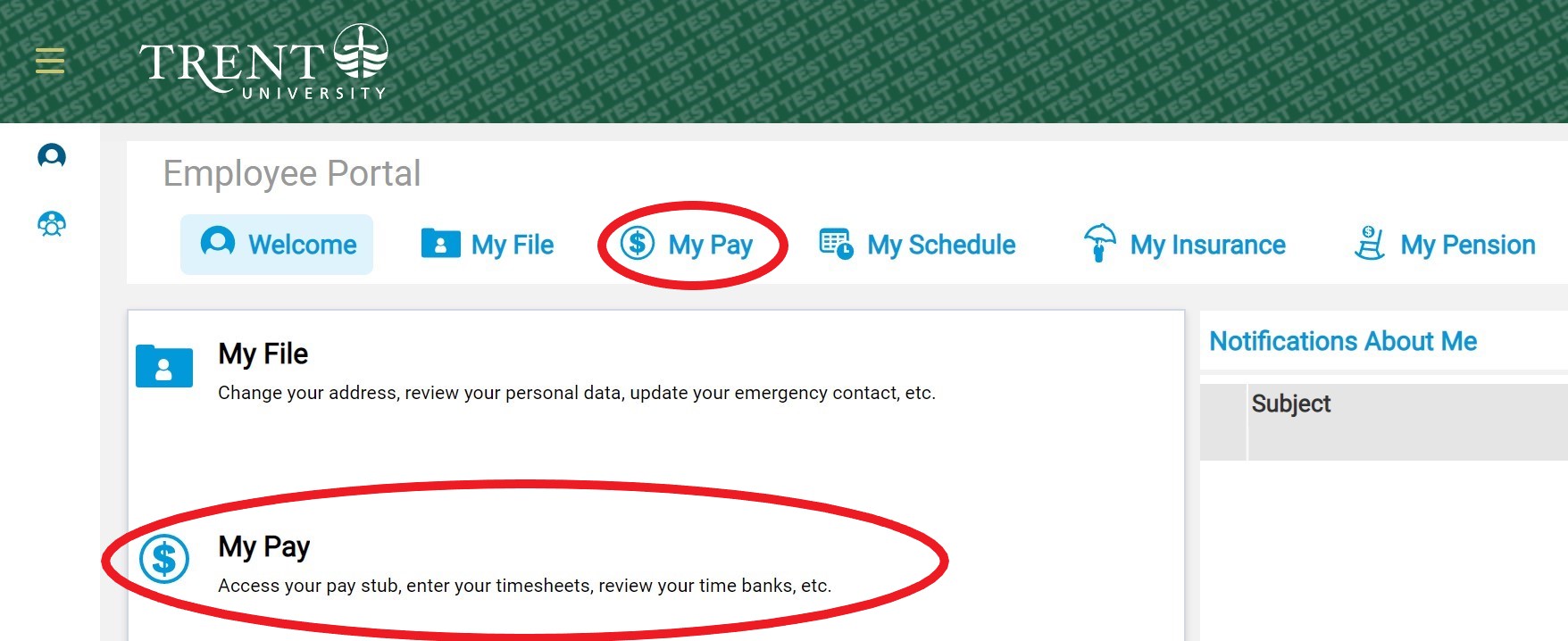
Step 2: Once you are in VIP, navigate to the employee portal, then click on “My Pay”.
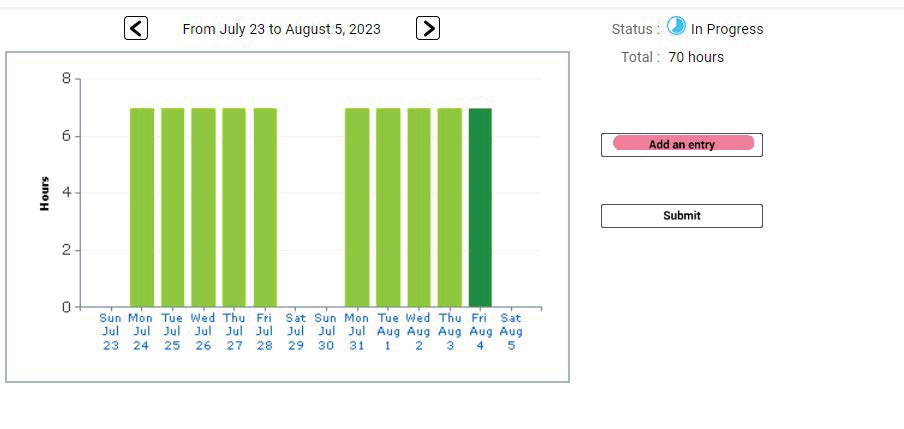
Step 3: Under the Timesheet, click on "Add an Entry".

Step 4: Using the new transaction code Vacation Additional Hours [1401], add the additional vacation hours that you want to use on that same day.
Note: Ensure that the Start Time and End Time are outside of your scheduled shift. Verify also that your AM/PM in the Start and End Times are correct.
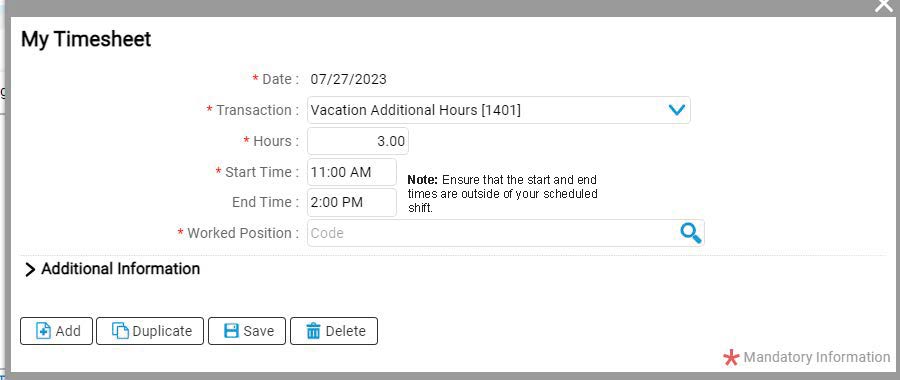
Step 5: Save your entry.