
Trent University
MyTrent
  • Academics
    • Undergraduate Programs
    • Graduate Programs
    • Trent Online
    • Summer Courses
    • Continuing Education
    • Study Abroad
    • Academic Calendar
    • Academic Timetable
    • Academic Skills Centre
    • Academic Advising
    • Library
    • Centre for Teaching and Learning
  • Admissions
    • Undergraduate
    • Thinking of Applying
    • Already Applied
    • Received an Offer
    • Accepted My Offer
    • Graduate
    • International
    • Indigenous
    • Returning to Trent
    • Transfer
  • Services & Support
    • Academic Advising
    • Academic Skills Centre
    • Administrative Departments
    • Alumni Services
    • Athletics
    • Campus Security
    • Careerspace
    • Colleges
    • Communications
    • Conferences
    • Financial Aid
    • Financial Services
    • Health & Wellness
    • Indigenous Services
    • Information Technology
    • International Students
    • Learning Support
    • Parking
    • Printshop
    • Recruitment
    • Registrar's Office
    • Residence & Housing
    • Student Clubs
    • TrentU Card
  • Research
    • Research at Trent
    • Research Centres
    • Find an Expert
    • Resources
  • Give to Trent
  • About Trent
    • About Trent
    • Careers
    • Giving to Trent
    • Governance
    • How to Find Us
    • Media
    • News & Events
    • President's Office
    • Staff Directory
    • Trent Facts
    • Contact Us
  • Campus Locations
    • Peterborough
    • Durham GTA
    • Online
  • Future Students
    • Undergraduate
    • Thinking of Applying
    • Already Applied
    • Received an Offer
    • Accepted My Offer
    • Graduate
    • International
    • Indigenous
    • Returning to Trent
    • Transfer
  • Current Students
  • The Colleges of Trent
  • Alumni
  • Apply
  • Visit
  • Give
  • Peterborough
  • Durham GTA
  • Map
  • Careers
  • Directions
  • Library
  • Site Map
  • Bookstore
Skip to main content Home
  • Peterborough
  • Durham GTA
  • Online
  • MyTrent
MENU
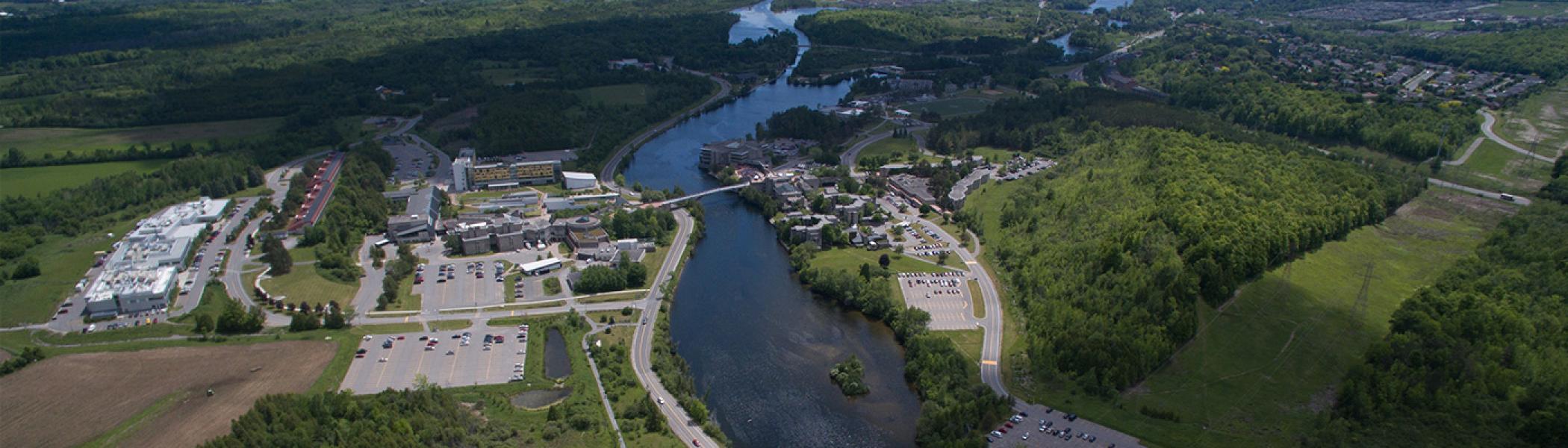
High flying camera captures trent university in the summer.
Trent University
Risk Management
  • Welcome
  • Managing Risk
    • General Risk Managment
    • Staff & Faculty Organized Event
    • Student Organized Events
  • Insurance Program
    • Automobile Insurance
    • Insurance Certificates
    • Self Insurance Program
    • Reporting a Claim
  • Trent Vehicles
    • Vehicle Safety
    • Forms & Resources
    • Frequently Asked Questions
  • Emergency Management
    • 911 Addresses
    • Emergency Management Plans
    • Emergency Procedures for Persons with Disabilities
    • Emergency Response Procedures
  • Contact Us
  1. Trentu.ca
  2. Risk Management
  3. Emergency Management
  4. Emergency Response Procedures
  5. Fire

Fire

Fire

Be Prepared

Know the location of the fire exit, fire alarm, and fire extinguisher closest to your office or classroom.

Familiarize yourself with the procedures below so that you are generally prepared in case of a fire.

If you discover a fire:

If you see or hear a fire, or smell smoke:

  • Activate the nearest pull station.
  • Dial 9-911 from a safe location on any campus telephone and then call Campus Security at 705-748-1333 (Peterborough), 905-435-5111 (Oshawa).  In Peterborough, you can also use the yellow emergency telephones to give Campus Security all the pertinent facts.
  • If the fire is SMALL, you could try to put it out with a fire extinguisher to reduce the risk of personal injury and fire damage (see below for information on using an extinguisher).
  • Leave the area immediately.
  • Close all doors.
  • Assist people with disabilities or children, as required.
  • Exit by stairwells; do not use elevators.
  • Leave the building by the nearest safe exit.
  • Wait outside the building in the closest parking lot and follow the directions of security, Fire Wardens, or the Fire Department.

If you are trapped:

  • Dial 9-911 then 705-748-1333 (Peterborough) or 905-435-5111 (Oshawa) to notify Security; Campus Security will direct the Fire Department to your location.
  • Place towels/clothes (wet if possible) at the bottom of the door.
  • Open windows, if possible.
  • Stay close to the floor if there is a lot of smoke

Areas of Refuge

Areas of refuge have been established in the stairwells of multi-storey buildings.  If you cannot use the stairs, proceed to an Area of Refuge and activate the pull station.  Fire Fighters will respond and provide assistance.

If your clothes catch fire:

  • Stop whatever you are doing.
  • Drop to the ground.
  • Roll to smother the flames. If someone else's clothes catch fire have them stop, drop and roll.

Try to smother the flames with a piece of clothing

Using an Extinguisher:

You are not required to put the fire out - but if you attempt to extinguish a fire then you need to know your fire extinguishers. Only attempt to put a fire out if you have a clear exit from the room. Do not turn your back on a fire and keep your exit from the room open and accessible at all times. Extinguishers will work for approximately 30 seconds - if you have not put the fire out in that time - leave the area immediately. Once you leave a burning room, do not re-enter. Close the door to a room with a fire. Leave the door unlocked as the fire department will need to enter. If you know the type of fire and contents of the room, please advise Campus Security.

Think "PASS":

  • P - " Pull" the safety pin at the top of the extinguisher.
  • A - "Aim" the nozzle/hose at the base of the flames.
  • S - "Squeeze" or press the handle.
  • S - "Sweep" from side to side at the base of the fire until it is out.

Know your Extinguisher:

  • Type A (green triangle) - use for paper and wood
  • Type B (red square) - use for flammable liquids such as gas, oil, paint.
  • Type C (blue circle) - use for electrical fires involving wires or appliances.
  • Type D (yellow pentagram( star)) - use for combustible metals.

.

Remember - if you cannot extinguish the fire within 30 seconds - get yourself out!

Emergency Response Procedures

  • 911 Addresses
  • Emergency Management Plans
  • Emergency Procedures for Persons with Disabilities
  • Emergency Response Procedures
Trent University Logo

Trent University respectfully acknowledges it is located on the treaty and traditional territory of the Mississauga Anishnaabeg. We offer our gratitude to First Peoples for their care for, and teachings about, our earth and our relations. May we honour those teachings.

The Campaign For
Momentous
Action Research Leadership Debate Performance Connection Discovery Ideas Places Stewardship Support Possiblity

Peterborough

1600 West Bank Drive
Peterborough, ON Canada, K9L 0G2

Toll Free: 1-855-MY-TRENT

Campus Map

Durham Greater Toronto Area

55 Thornton Road South
Oshawa, ON Canada, L1J 5Y1

Phone: 905-435-5100

Campus Map

Social Media Directory
  • Contact
  • Directions
  • Site Map
  • Accessibility
  • Privacy
  • @ Copyright 2025 Trent University