Trent University
MyTrent
  • Academics
    • Undergraduate Programs
    • Graduate Programs
    • Trent Online
    • Summer Courses
    • Continuing Education
    • Study Abroad
    • Academic Calendar
    • Academic Timetable
    • Academic Skills Centre
    • Academic Advising
    • Library
    • Centre for Teaching and Learning
  • Admissions
    • Undergraduate
    • Thinking of Applying
    • Already Applied
    • Received an Offer
    • Accepted My Offer
    • Graduate
    • International
    • Indigenous
    • Returning to Trent
    • Transfer
  • Services & Support
    • Academic Advising
    • Academic Skills Centre
    • Administrative Departments
    • Alumni Services
    • Athletics
    • Campus Security
    • Careerspace
    • Colleges
    • Communications
    • Conferences
    • Financial Aid
    • Financial Services
    • Health & Wellness
    • Indigenous Services
    • Information Technology
    • International Students
    • Learning Support
    • Parking
    • Printshop
    • Recruitment
    • Registrar's Office
    • Residence & Housing
    • Student Clubs
    • TrentU Card
  • Research
    • Research at Trent
    • Research Centres
    • Find an Expert
    • Resources
  • Give to Trent
  • About Trent
    • About Trent
    • Careers
    • Giving to Trent
    • Governance
    • How to Find Us
    • Media
    • News & Events
    • President's Office
    • Staff Directory
    • Trent Facts
    • Contact Us
  • Campus Locations
    • Peterborough
    • Durham GTA
    • Online
  • Future Students
    • Undergraduate
    • Thinking of Applying
    • Already Applied
    • Received an Offer
    • Accepted My Offer
    • Graduate
    • International
    • Indigenous
    • Returning to Trent
    • Transfer
  • Current Students
  • The Colleges of Trent
  • Alumni
  • Apply
  • Visit
  • Give
  • Peterborough
  • Durham GTA
  • Map
  • Careers
  • Directions
  • Library
  • Site Map
  • Bookstore
Skip to main content Home
  • Peterborough
  • Durham GTA
  • Online
  • MyTrent
MENU
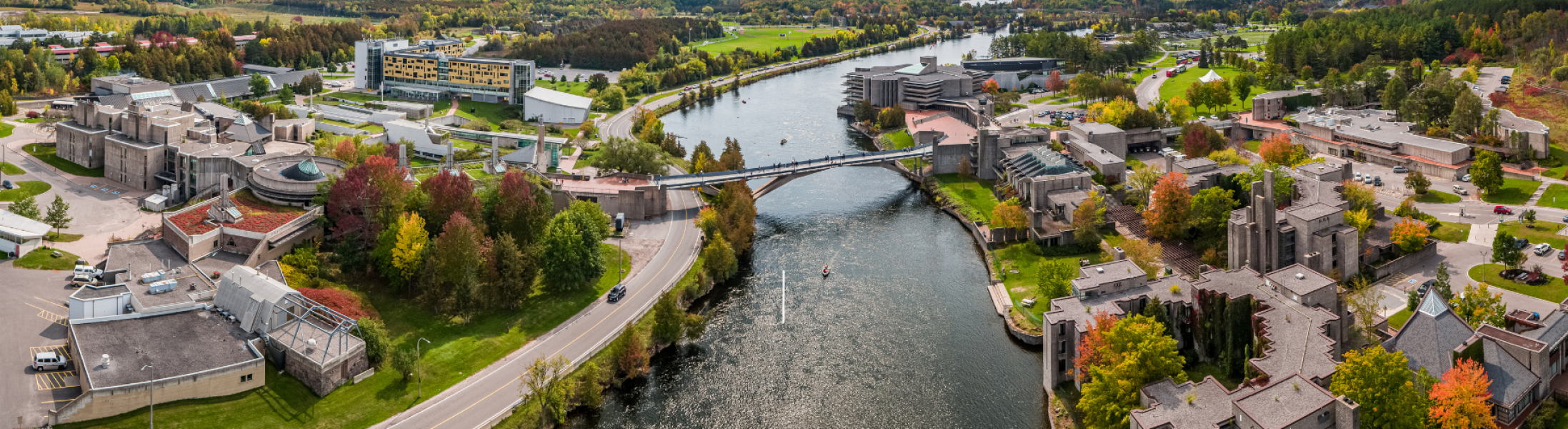
trent panorama
Trent University
Communications & Enrolment
  • Welcome
  • Communications
  • Recruitment & Admissions
  • colleges
  • Contact
  1. Trentu.ca
  2. Communications & Enrolment
  3. WCAG 2.0 Guideline 1.1.1

WCAG 2.0 Guideline 1.1.1

The text alternative (alt text) guideline is based on the first Web Content Accessible Guide (WCAG) 2.0 principle, Level A: Principle 1 – Perceivable and states: Information and user interface components must be presentable to users in ways they can perceive.

The WCAG 2.0 Guideline 1.1.1 Text Alternatives was created based on that principle stating: Provide text alternatives for any non-text content so that it can be changed into other forms people need, such as large print, braille, speech, symbols or simpler language.

Alt Text best Practices

  • Alt text must replace the meaning of an image accurately and succinctly. For example, it wouldn’t be helpful to someone who is blind and switches on their assistive device to hear “room” when they come across an image on the Trent University housing website and want to learn more about the physical components of a residence room. It would be more useful to hear “Interior second-floor carpeted residence room at Otonabee College with 2 single beds & a window view overlooking the river”
  • Alt text should be limited to 125 characters since most assistive devices will stop dictating after that point.
  • If the image is a hyperlink, the alt text must describe the destination of the hyperlink and not the content of the image itself. For example an icon of a telephone that hyperlinks to a chat application could have alt text such as “Chat now with sales representatives via our online chat application”, which informs the user that they will be taken to another window into an application if they click on the hyperlink.

Website content contributors can easily add alt text to all images using Drupal, Adobe Contribute, Microsoft Word documents, PDF documents, etc., using the resources below:

  • How to add alt text to an image via Microsoft Word Documents & PDFs
  • How to add alt text to an image via Adobe Contribute
  • How to add alt text to an image via Drupal

Please take this time to review all images and non-text content on your website and in your web documents to ensure that they have descriptive alt tags.

See the additional resources below to learn more details about the WCAG 2.0 Guideline 1.1.:
  • Understanding WCAG 2.0 Guideline 1.1
  • Read the complete details about Web Content Accessibility Guideline 1.1 Text Alternatives
Image
Communications, Enrolment & The Colleges Annual Report

Champlain

Trent University Logo

Trent University respectfully acknowledges it is located on the treaty and traditional territory of the Mississauga Anishnaabeg. We offer our gratitude to First Peoples for their care for, and teachings about, our earth and our relations. May we honour those teachings.

The Campaign For
Momentous
Action Research Leadership Debate Performance Connection Discovery Ideas Places Stewardship Support Possiblity

Peterborough

1600 West Bank Drive
Peterborough, ON Canada, K9L 0G2

Toll Free: 1-855-MY-TRENT

Campus Map

Durham Greater Toronto Area

55 Thornton Road South
Oshawa, ON Canada, L1J 5Y1

Phone: 905-435-5100

Campus Map

Social Media Directory
  • Contact
  • Directions
  • Site Map
  • Accessibility
  • Privacy
  • @ Copyright 2025 Trent University